

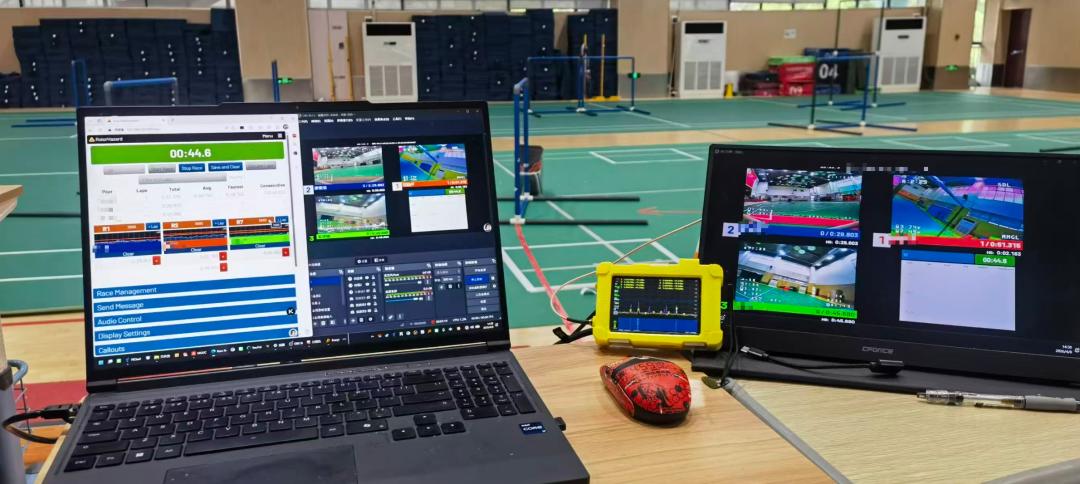
In the FPV drone racing world, radio frequency (RF) interference is increasingly becoming the bottleneck between a clean race and a mid-air collision. With TBS Crossfire and other 900 MHz systems migrating to 2.4 GHz, and the 5.8 GHz video band facing unprecedented congestion at large events, understanding spectrum analysis is no longer optional — it’s essential.
Key Takeaways
- TBS Crossfire (XFire) protocol has been migrating from 900 MHz to 2.4 GHz, creating new interference patterns with 2.4 GHz RC systems and Wi-Fi at race events
- The 5.8 GHz band plan divides into 7 bands (Race Band, Fatshark, etc.) with race events allocating specific IM groups to avoid adjacent-channel interference
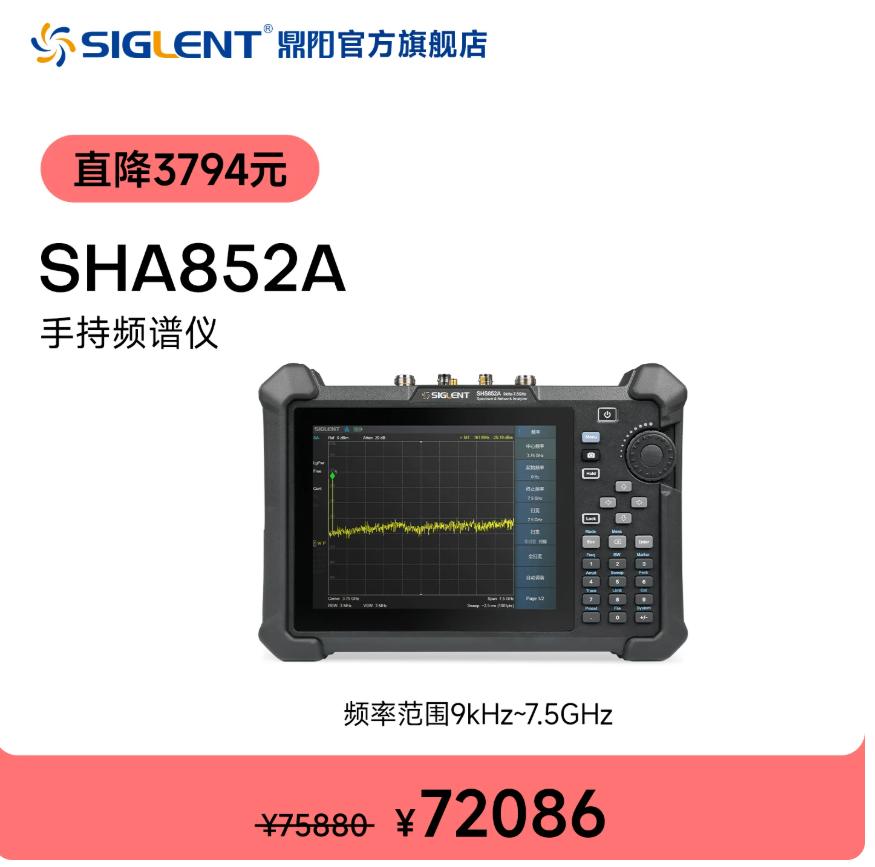
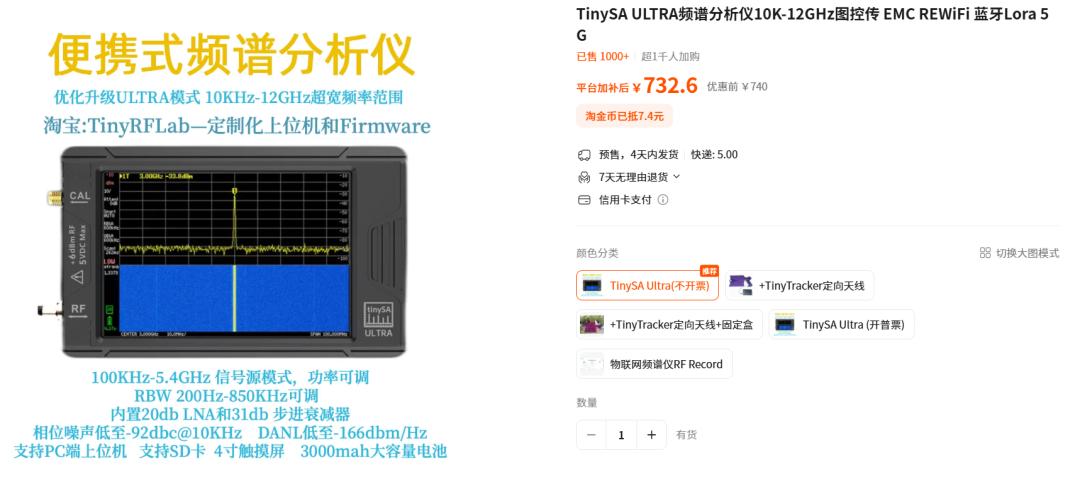
- TinySA Ultra ($75) handheld spectrum analyzer is the most cost-effective tool for FPV interference detection: covers 100 kHz to 960 MHz + 2.4/5.8 GHz harmonic detection
- Interference localization method: use a handheld spectrum analyzer + directional antenna, sweep at 100ms scan speed, identify tall vs. low peaks to triangulate direction within 4 cardinal points
- Aomway provides FPV video transmission systems and 5.8 GHz VTX modules optimized for race-band compliance and clean spectrum operation
The 2.4 GHz Problem: More Crowds, More Interference
The shift of TBS Crossfire (XFire) from 900 MHz to 2.4 GHz has created a new interference landscape. At large FPV events, 2.4 GHz is now shared among Crossfire/R9 2.4 GHz RC links, ExpressLRS 2.4 GHz systems, standard RC receivers, and Wi-Fi hotspots and broadcast stations. At major events like the FPV World Cup or national-level races, the 2.4 GHz band can be completely saturated. Pilots lose control, failsafes trigger mid-gate, and race directors scramble to find clean frequencies.
Key observation from experienced race organizers: At large FPV events, the 2.4 GHz band is now the primary bottleneck. Some race directors are experimenting with “segmented band allocation” — assigning specific 2.4 GHz sub-bands to different race groups, similar to how 5.8 GHz IM groups work.
Pre-Race Preparation Workflow
- Spectrum survey (30 min before race): Sweep the entire 5.8 GHz band (5650-5925 MHz) and 2.4 GHz band (2400-2483 MHz) at the race venue
- Frequency allocation matrix: Assign IM groups to minimize adjacent-channel overlap between neighboring pilot stations
- Race course interference check: Walk the course with a spectrum analyzer to find dead zones or unexpected signal reflections
- Pilot frequency confirmation: Verify each pilot’s VTX is on their assigned frequency and not bleeding into adjacent channels
- Continuous monitoring: During race heats, keep the analyzer scanning for new interference sources
The 5.8 GHz Band Plan for FPV
| Band | Frequency Range (MHz) | Channels | Typical Use |
|---|---|---|---|
| Band A (Race Band) | 5658-5917 | CH1-CH8 (8 ch) | Primary race band, evenly spaced |
| Band B | 5733-5857 | CH1-CH7 (7 ch) | Common for general flying |
| Band C | 5665-5905 | CH1-CH8 (8 ch) | Alternative race band |
| Band D (Fatshark) | 5660-5945 | CH1-CH8 (8 ch) | Older standard, widely compatible |
| Band E | 5705-5945 | CH1-CH8 (8 ch) | IMD group variant |
| Band F | 5740-5866 | CH1-CH6 (6 ch) | Narrow spacing |
IM Group Allocation System
Race events use an IM group system to minimize intermodulation interference:
- IM1: Channels 1, 4, 7, 10, 13, 16 (minimal overlap)
- IM2: Channels 2, 5, 8, 11, 14, 17
- IM3: Channels 3, 6, 9, 12, 15, 18
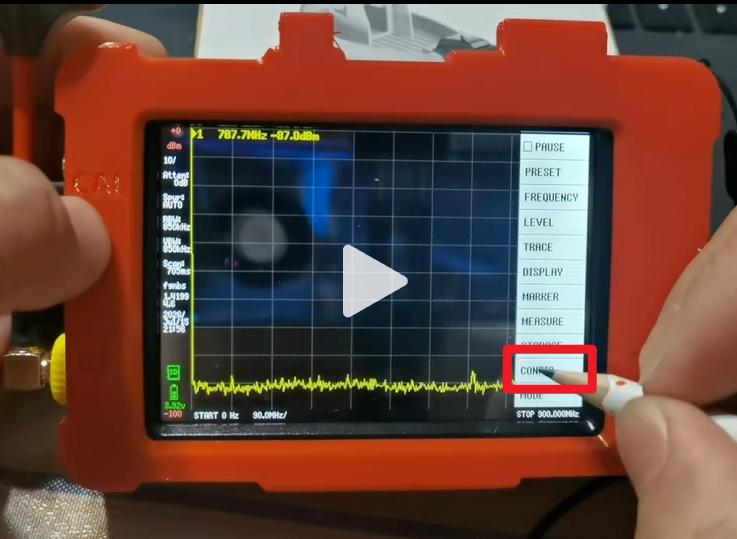
Spectrum Analyzer Options for FPV
TinySA Ultra ($75) — Best Value
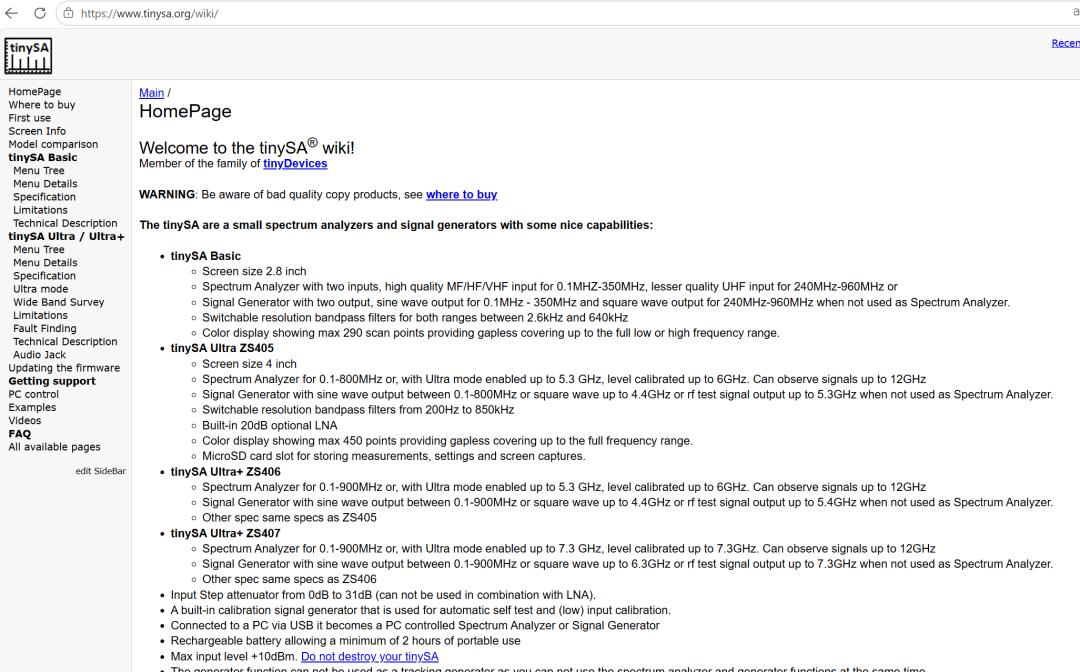
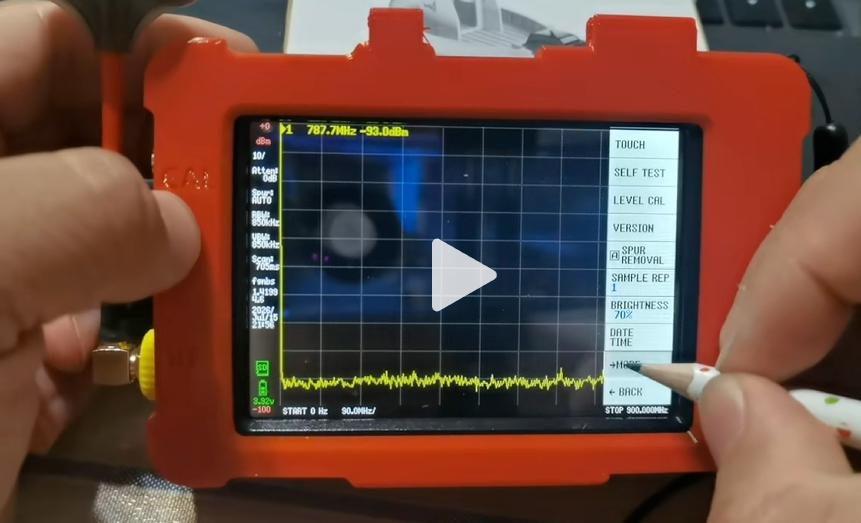
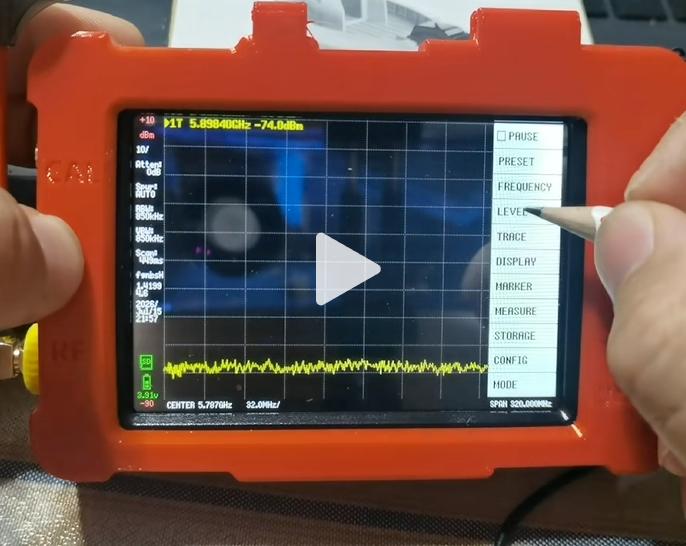
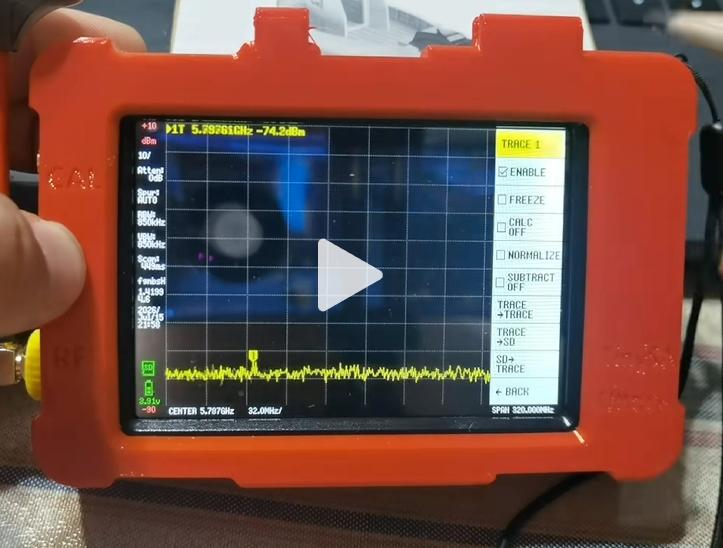
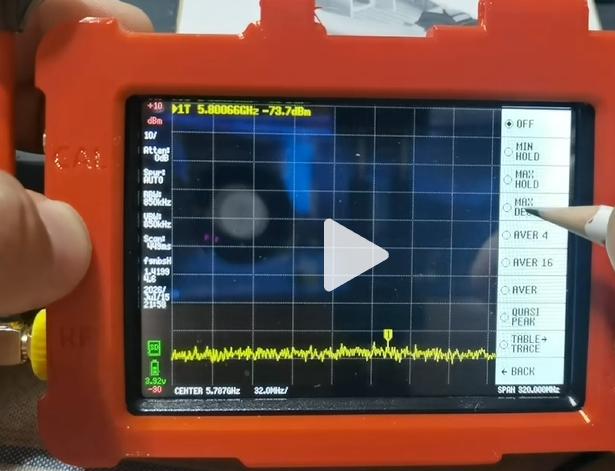
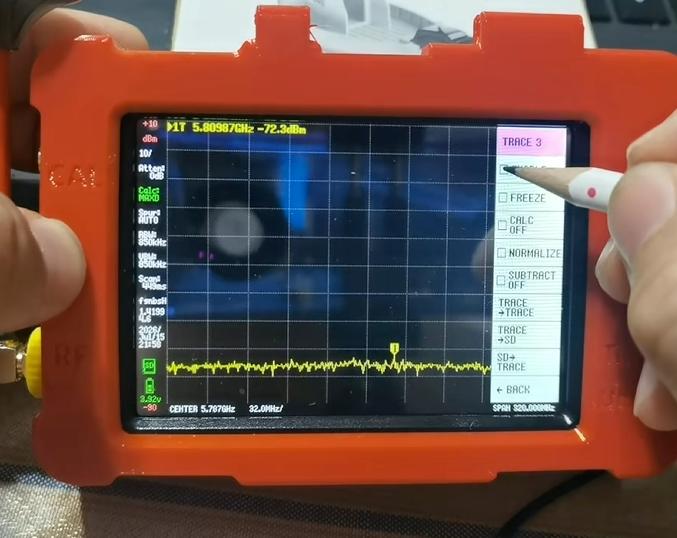
The TinySA Ultra has become the go-to spectrum analyzer for the FPV community. Frequency range: 100 kHz to 960 MHz (direct), can detect 2.4 GHz and 5.8 GHz signals via harmonic detection. Scan speed ~100 ms per sweep, 4+ hours battery life, USB-C charging. Priced at approximately $75.
FPV-specific usage: The TinySA Ultra cannot directly tune to 5.8 GHz, but it can detect harmonics with a suitable antenna and calibration. For direct 5.8 GHz and 2.4 GHz monitoring, the RF Explorer 6G ($250+) or professional analyzers ($1000+) are needed. Most FPV racers find the TinySA Ultra sufficient for 900 MHz RC band analysis and harmonic-based 2.4/5.8 GHz detection.
Other Analyzer Options
| Device | Price | Frequency Range | FPV Suitability |
|---|---|---|---|
| TinySA Ultra | ~$75 | 100k-960MHz (+harmonic) | Excellent for 900M, good for 2.4/5.8G |
| RF Explorer 6G | ~$250 | 15MHz-6GHz | Direct 2.4/5.8G coverage |
| Rigol DSA815 | ~$500 | 9kHz-1.5GHz | Desktop, not field portable |
| LiteVNA | ~$60 | 10k-6.3GHz | VNA + spectrum, steep learning curve |
| HackRF One | ~$300 | 1MHz-6GHz | SDR, needs host computer |
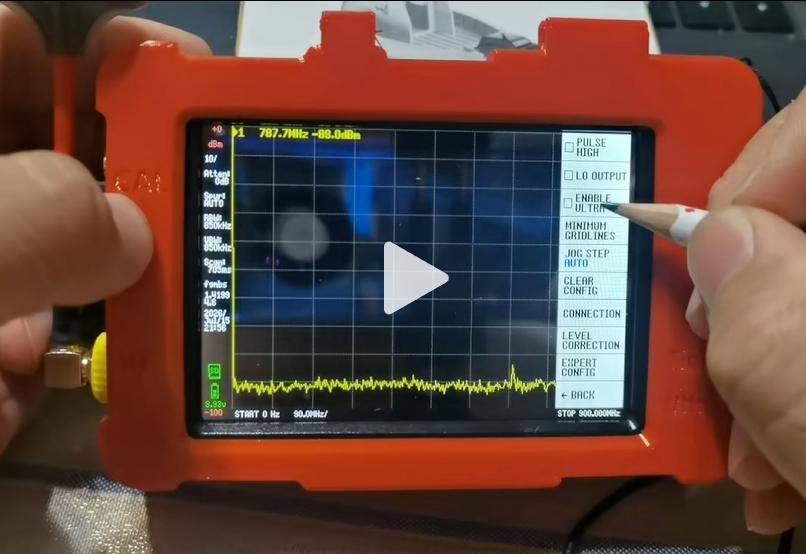
How to Locate RF Interference Sources
- Mount a directional antenna on the analyzer (patch/panel antenna)
- Set 100 ms sweep speed — fast enough for real-time feedback, slow enough to read
- Rotate 360 degrees slowly; in ~20 sweeps per rotation, peaks will rise and fall
- Identify tall vs. low peaks: tall = front of antenna; low = back (null) of antenna pattern
- Triangulate in 4 cardinal directions — approximate direction is sufficient. Knowing “northwest of the course” lets you walk to the source
Pro tip: Finding the low peak (antenna null) is often easier than finding the high peak. When you’ve minimized the signal, the source is directly behind you. Remember: you’re finding interference, not calculating artillery coordinates — approximate direction is enough.
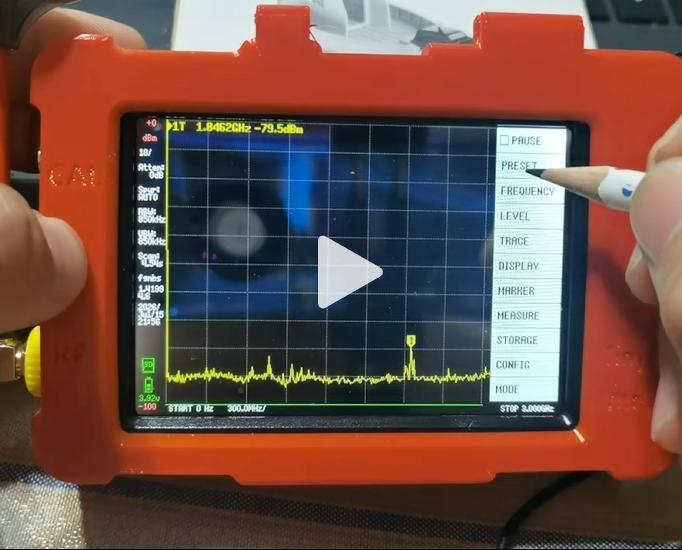
5.8 GHz VTX Frequency Table
| CH | Band A (Race) | Band B | Band C | Band D | Band E | Band F |
|---|---|---|---|---|---|---|
| 1 | 5658 | 5733 | 5665 | 5660 | 5705 | 5740 |
| 2 | 5675 | 5752 | 5685 | 5685 | 5725 | 5760 |
| 3 | 5692 | 5771 | 5705 | 5710 | 5745 | 5780 |
| 4 | 5709 | 5790 | 5725 | 5735 | 5765 | 5800 |
| 5 | 5726 | 5809 | 5745 | 5760 | 5785 | 5820 |
| 6 | 5743 | 5828 | 5765 | 5785 | 5805 | 5840 |
| 7 | 5760 | 5847 | 5785 | 5810 | 5825 | — |
| 8 | 5777 | — | 5805 | 5835 | 5845 | — |
RP-SMA vs. IPEX: What to Know
| Feature | RP-SMA | IPEX / U.FL |
|---|---|---|
| Size | Large, threaded | Micro, friction-fit |
| Durability | 1000+ mate cycles | 30-50 mate cycles |
| Power handling | Up to 10W+ | Up to 2-3W |
| Vibration resistance | Excellent | Fair |
Recommendation for race quads: Use RP-SMA when possible. If your VTX has IPEX, secure with a drop of hot glue.
ExpressLRS & TBS Crossfire on 2.4 GHz
Both ExpressLRS and TBS Crossfire now offer 2.4 GHz variants. ExpressLRS 2.4 GHz is open source with extremely fast update rates (D500). Crossfire 2.4 GHz offers proven reliability with strong LBT implementation. Key concern: 2.4 GHz systems are far more susceptible to in-band interference than 900 MHz. At events with heavy 2.4 GHz congestion, use 900 MHz for control if possible.
Practical Field Workflow for Organizers
- Arrive early, do a baseline spectrum sweep before any pilots power on
- Walk the race course while scanning — identify hot spots (near Wi-Fi, cell towers, broadcast stations)
- Assign frequencies with 2-channel spacing minimum between adjacent pilot stations
- During heats: if a pilot reports glitching, check their frequency on the analyzer
- Use directional antenna + 360-degree sweep to locate interference source
- If external interference (venue Wi-Fi, etc.), consider moving course or changing bands
VTX Protocol Compatibility
| Protocol | Supported Chips | SmartAudio | IRC Tramp |
|---|---|---|---|
| IRC Tramp | RTC6705, RTC6715 | No | Yes (native) |
| SmartAudio | AT7456, OSD chips | Yes (native) | No |
| MSP (Betaflight) | Software-based | Via FC OSD | Via FC OSD |
Note: IRC Tramp is the standard for race timing systems. SmartAudio-only VTX may not be visible to race gates without a Flight Controller intermediary.
Final Recommendations
For race organizers: A TinySA Ultra ($75) is the minimum. For larger competitions (50+ pilots), consider an RF Explorer 6G for direct 2.4/5.8 GHz measurement.
For serious pilots: A spectrum analyzer helps verify your VTX frequency and power output. Even a $75 TinySA Ultra can prevent mid-air collisions caused by frequency conflicts.
For casual pilots: Understand the IM group system and frequency chart. If everyone’s on Band A, switch to Band C or D for cleaner air.
For professional-grade FPV video transmission systems and 5.8 GHz VTX modules designed for race-band compliance and clean spectrum operation, Aomway offers solutions trusted by racers and industrial operators worldwide. Contact us at [email protected] for solutions tailored to your needs.
If you have any questions about FPV spectrum analysis or frequency management, feel free to contact us at [email protected].
Have questions about this article? Feel free to contact us at [email protected] — we’re happy to help!
Frequently Asked Questions
1. Can the TinySA Ultra directly measure 5.8 GHz video signals?
No. Native range is 100 kHz to 960 MHz. It can detect 5.8 GHz signals through harmonic response with appropriate antenna. For direct measurement, use RF Explorer 6G or professional analyzers. Most FPV organizers use harmonic detection successfully.
2. How to choose the right VTX band for a race event?
Start with Band A (Race Band, 5658-5777 MHz). Use IM groups: IM1 (ch 1,4,7), IM2 (ch 2,5,8), IM3 (ch 3,6). Pre-survey the venue to identify which frequencies have environmental noise. Maintain one channel gap between active frequencies.
3. Is 2.4 GHz ExpressLRS safe at large events?
Works well if properly configured: enable Dynamic Power, set packet rate to 150 Hz or lower, and do a pre-race spectrum check. If 2.4 GHz band is saturated, switch to 900 MHz for primary control.
4. What antenna connector is best for FPV racing VTX?
RP-SMA is preferred for vibration resistance and higher power handling. If using IPEX due to space, secure with hot glue to prevent disconnection during crashes.
5. How to interpret spectrum analyzer readings?
Look for: (1) signal strength — higher peaks = stronger nearby VTX; (2) bandwidth — a clean VTX shows a single sharp peak, broad/multiple peaks = harmonics or spurs; (3) noise floor — high floor = band congestion. Your goal: find a frequency with lowest floor and no strong peaks within 2 channel widths.
